When it comes to paying online via a payment gateway,
it's important to follow a few key steps to ensure a smooth and secure
transaction. Here's a general outline of the process:
1.
Select the Payment Gateway: When you reach the checkout page on an
online store or website, you will typically be presented with various payment
options. Choose the payment gateway you prefer or one that is supported by the
platform.
2.
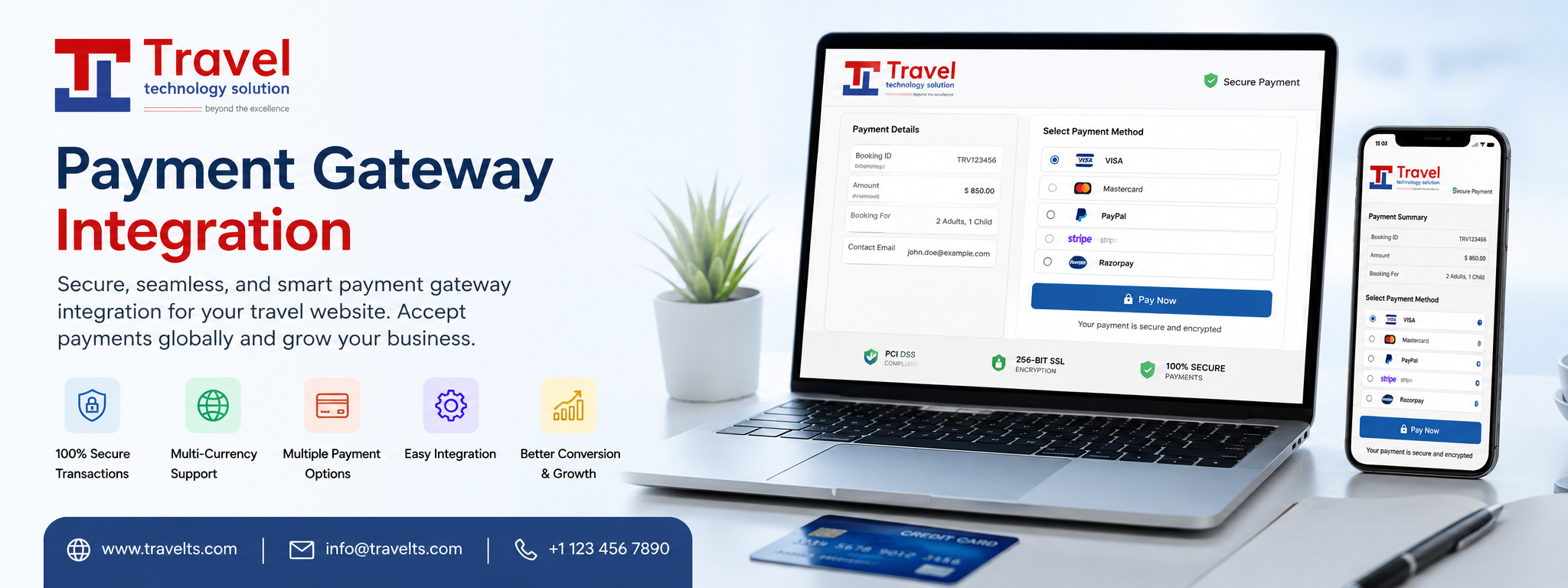
Choose Payment Method: Within the selected payment gateway, you may have
different options to choose from, such as credit/debit card, PayPal, net
banking, or digital wallets. Select the payment method that suits you best.
3.
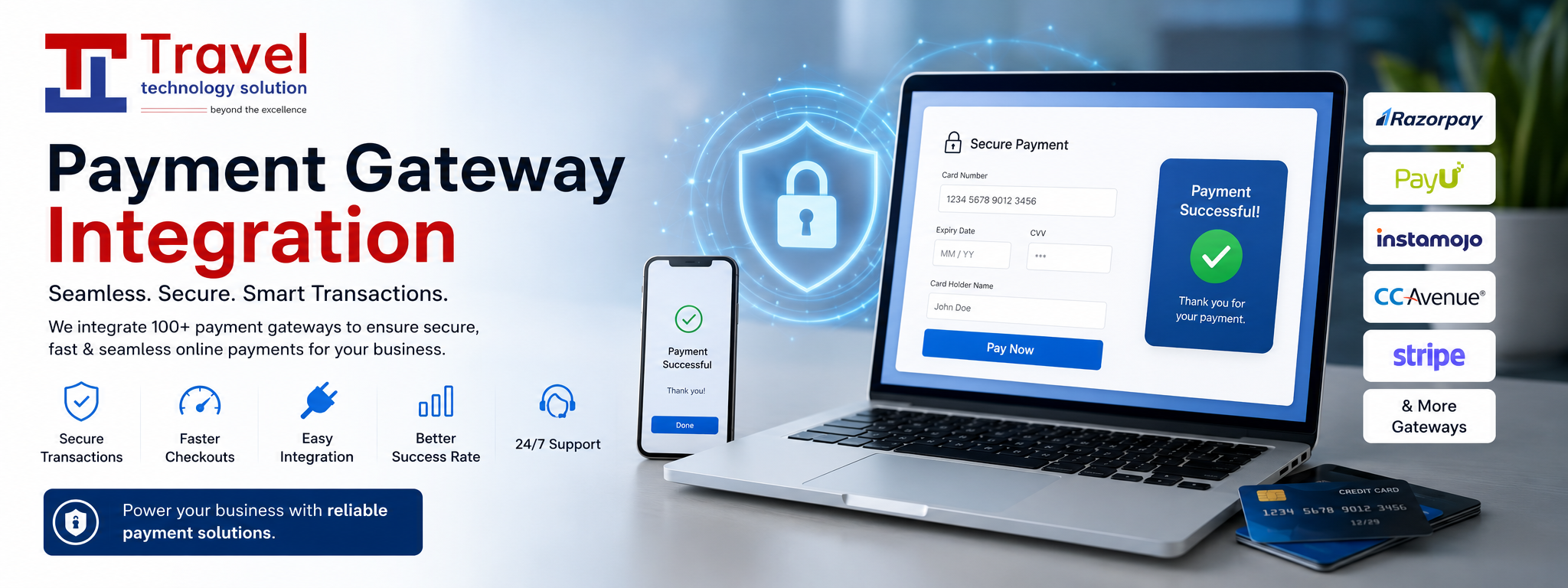
Enter Payment Details: Provide the necessary payment details according
to the chosen payment method. If you're using a credit/debit card, you'll
typically need to enter the card number, expiration date, CVV (Card
Verification Value), and sometimes the cardholder's name. For other methods,
you might be redirected to the respective service's website or app for
authentication.
4.
Security Measures: Ensure that the payment page is secure by checking
for the "https" prefix in the URL, indicating a secure connection,
and a padlock icon in the browser's address bar. These indicators help protect
your data from unauthorized access.
5.
Verify Payment: Double-check the payment details you entered before
proceeding. Confirm that the amount is correct and review any additional
charges, taxes, or discounts applied to your purchase.
6.
Authenticate the Transaction: Depending on your payment method, you may
be prompted to provide additional authentication, such as a One-Time Password
(OTP) sent to your registered mobile number or email address. Follow the
provided instructions to complete the authentication process.
7.
Wait for Confirmation: After submitting the payment, the payment gateway
will process the transaction and communicate with the merchant's website or
platform. You should receive a confirmation message or email indicating the
status of your payment. If the transaction is successful, the payment will be
processed, and you will usually receive a receipt or invoice.
8.
Keep Documentation: Save the confirmation message or receipt for future
reference, as it serves as proof of payment and can be helpful for any customer
support inquiries or disputes.
Remember, each payment gateway might have its own
specific interface and process, but the overall steps mentioned above provide a
general framework for paying online via a payment gateway.