A flight extranet portal is shared by people with very different jobs. Suppliers load seats, administrators control what is sold and at what price, and agents book seats for their customers. Designing clear roles and workflows for each group is what makes an extranet safe and easy to run. This article explains each role and how their work connects.
The three main roles
- Supplier: an airline, charter operator or partner consolidator that provides inventory.
- Administrator: the portal owner's team, which approves inventory, sets prices and manages agents.
- Agent: a travel agent or staff member who searches and books seats.
Some portals add a finance role for payments and reconciliation, and an operations role for after-sales work.
Supplier workflow
- Log in to a supplier area that shows only their own inventory.
- Create flights and seat allocations, individually or by bulk upload.
- Enter cost price, taxes, baggage and fare rules.
- Submit inventory for approval if the portal requires it.
- Monitor seats sold, update seat counts and close sales for dates.
- Download passenger name lists and upload ticket numbers.
A separate supplier area means partners can manage their own inventory without seeing your prices, agents or other suppliers' data.
Administrator workflow
- Review and approve new inventory from suppliers.
- Set sale prices, markups and which agent groups can see each flight.
- Manage agents: approvals, credit limits and access.
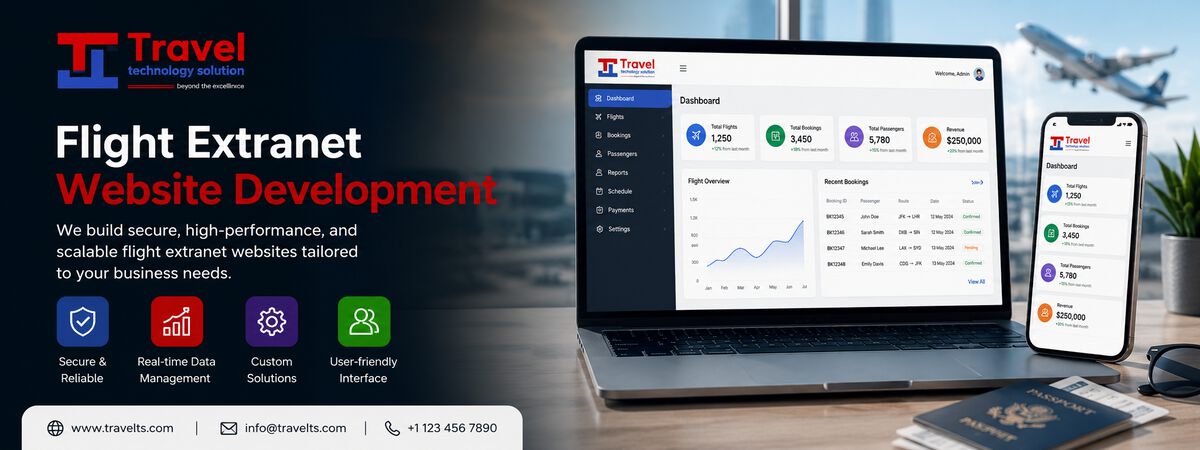
- Watch bookings, deadlines and unsold seats on a dashboard.
- Handle cancellations, refunds and disputes.
- Reconcile supplier payables and agent receivables.
Agent workflow
- Search by route and date and see extranet seats, often alongside GDS fares.
- Check fare rules, baggage and remaining seats.
- Book by entering passenger details and paying from the wallet or credit.
- Download the booking confirmation and, once issued, the e-ticket.
- Request cancellations or name changes through the portal.
How the workflows connect
The power of an extranet is that each action updates the others in real time. When an agent books, the supplier's seat count drops and the admin dashboard updates. When a supplier uploads ticket numbers, the agent's booking shows the e-ticket. When the admin changes a price, agents see it on their next search. One shared system removes emails and spreadsheets from the process.
Permissions and security
- Suppliers see only their own inventory and bookings.
- Agents see only their own bookings, wallet and customers.
- Admin actions such as price changes and refunds are logged with user and time.
- Two-step login and IP restrictions can protect admin and supplier accounts.
In practice: onboarding a new supplier
A portal owner signs a charter operator as a new supplier. The admin creates a supplier account with access only to the operator's own flights. The operator uploads its schedule and seat counts, which go into a review queue. The admin checks the fares and baggage rules, sets agent markups and publishes the flights to two agent groups. From then on, the operator sees sales in real time and downloads name lists before each departure, while agents simply see new flights in their search. The portal owner never re-types the operator's data, and the operator never sees the portal's agents or prices.
Common mistakes
- Giving suppliers access to too much data, such as sale prices or agent details.
- No approval step for supplier inventory, so errors reach agents immediately.
- No audit log, which makes disputes hard to resolve.
Frequently asked questions
Do we need a supplier role if we load all inventory ourselves?
Not at first. Many portals start with admin-only inventory and add supplier logins later when partners want to manage their own seats.
Can agents have sub-users?
Yes. Agencies often need several staff logins with different permissions, such as booking only or booking and refunds.
Key takeaways
- Clear roles keep each user focused on their job and protect sensitive data.
- Real-time updates between roles replace manual coordination.
- Permissions and audit logs make the portal safe to scale.
Our flight extranet system includes supplier, admin and agent roles with configurable permissions.