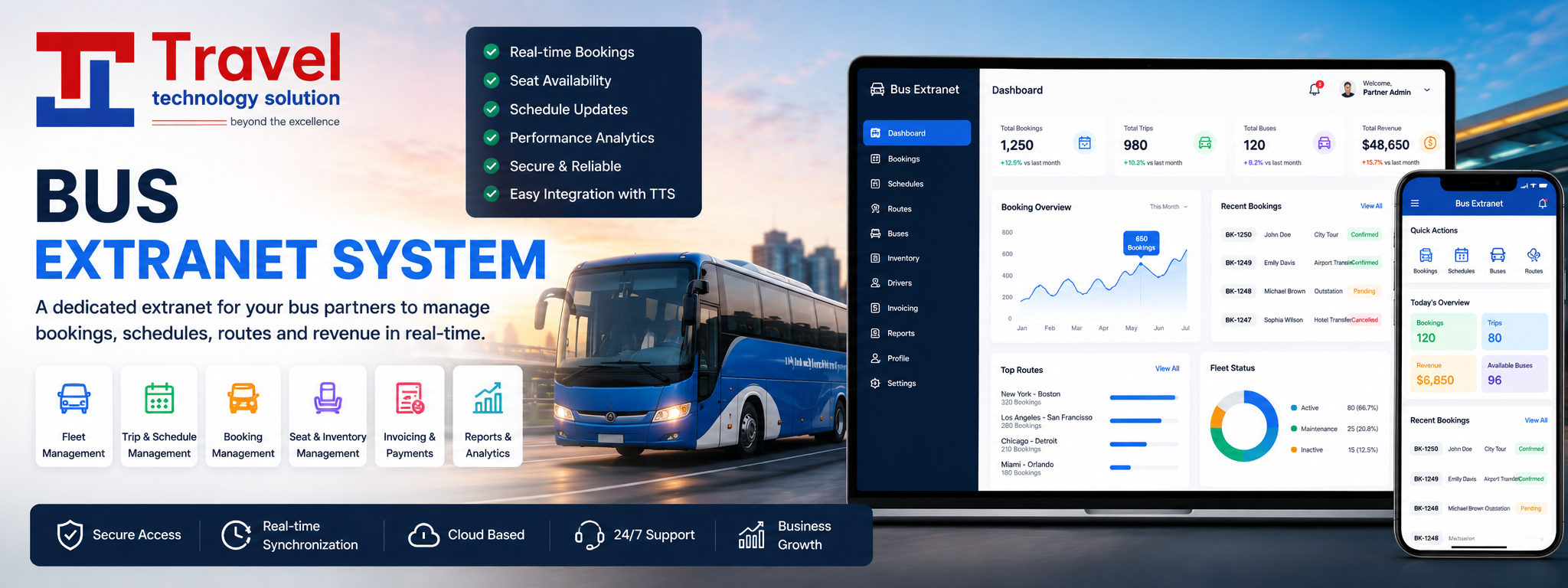
Integrating a bus API into your application allows you to
access and use data related to bus routes, schedules, fares, and other relevant
information. Here are the general steps to integrate a bus API into your
application:
1. Choose
the Bus API:
First, you need to select a suitable bus
API. Some popular options include public transportation APIs, such as those
provided by local transportation authorities, or third-party APIs that
aggregate data from various bus service providers.
2. Sign
Up and Get API Access:
Register for an
API key or credentials from the provider of the chosen bus API. This key will
allow you to make requests and access data.
3. Understand
the API Documentation:
Carefully read the API documentation provided
by the bus service provider. The documentation will provide details on
endpoints, request parameters, response format, and usage limitations.
4. Set
Up Your Development Environment:
Ensure your development environment, whether
it's a mobile app, web app, or other platform, is ready to make HTTP requests
to the API. You may need to install libraries or frameworks to facilitate these
requests.
5. Make
API Requests:
Use your API key and make HTTP requests to the
API's endpoints based on your specific requirements. This may include
retrieving bus routes, schedules, real-time updates, or other relevant data.
6. Handle
API Responses:
Parse the API responses to extract the data
you need for your application. Most APIs return data in JSON or XML format,
which can be easily processed in most programming languages.
7. Error
Handling:
Implement error handling to deal with issues
that may arise during API requests, such as network errors, rate limiting, or
invalid responses from the API.
8. Data
Presentation:
Once you have the data, integrate it into your
application's user interface. You can display bus routes, schedules, and other
information as needed.
9. Caching:
To reduce the load on the API and improve the
performance of your application, consider implementing caching mechanisms to
store frequently accessed data.
10. Testing:
Thoroughly test your application to ensure
that the integration with the bus API works as expected. Test various
scenarios, including edge cases.
11. Deployment:
Deploy your application with the bus API
integration to a production environment.
12. Monitoring
and Maintenance:
Continuously monitor the API usage and your
application's performance. Stay up to date with any changes or updates from the
API provider, and make necessary adjustments to your integration.
13. Compliance:
Ensure that you comply with the terms of use
and licensing agreements of the bus API provider.
Remember that each bus API may have specific requirements
and features, so refer to the API documentation provided by the service
provider for detailed information on how to use the API effectively.